How to Hide Photos on Android
In Google Photos, tap Collections > Locked, follow Set up Locked Folder, then open the photo you want to protect and choose Add to > Move to Locked Folder.
Quick answer: In Google Photos, tap Collections > Locked, follow Set up Locked Folder, then open the photo you want to protect and choose Add to > Move to Locked Folder. The images disappear from the ordinary Photos grid, albums and search. Before moving irreplaceable pictures, decide whether Locked Folder backup should be on—items without that backup can be lost if the phone is reset, the app data is cleared or the device is damaged.
Google Photos Locked Folder is available on Android 6 or later, subject to account and device restrictions. Samsung’s Secure Folder is a different feature with different backup and move rules; this article uses the cross-brand Google Photos workflow.
Set up your Locked Folder
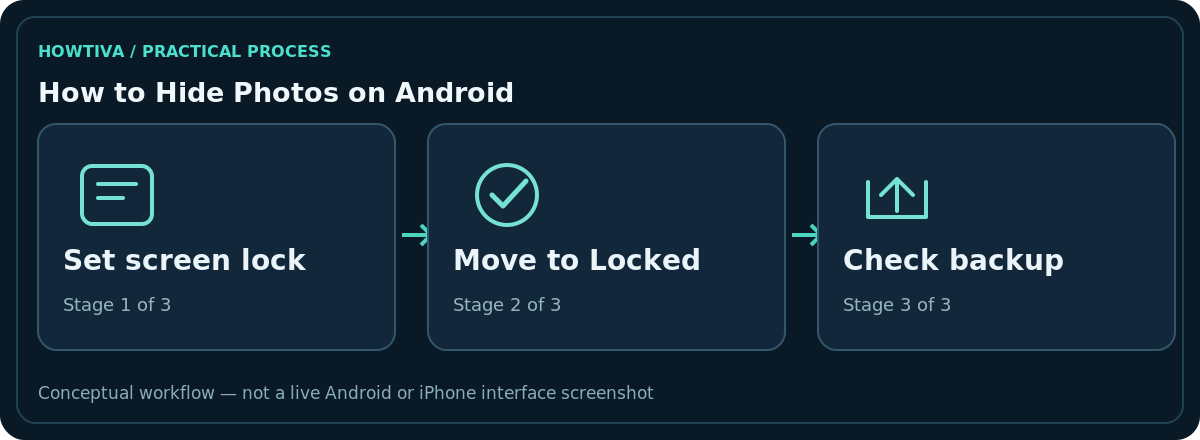
- Confirm that your Android device has a secure screen lock and that you know its PIN, password or pattern.
- Open Google Photos and select the Google Account you intend to use.
- Tap Collections, then Locked near the bottom.
- Choose Set up Locked Folder and follow the unlock prompt.
- Decide whether to enable Locked Folder backup, based on your privacy and recovery needs. Regular Photos backup and Locked Folder backup are not identical switches.
The folder uses your device screen lock; Google notes you cannot assign a separate Locked Folder password on the phone. Someone who can unlock your device with the necessary credentials may also unlock this folder.
Move photos and videos into it
Open Google Photos, select an item, tap Add to and choose Move to Locked Folder, then confirm. The entry is removed from normal Photos browsing once moved. Its unprotected duplicates, edited versions and photos shared with other people are not automatically moved or revoked. Review both your Photos grid and any other galleries that may hold copies.
Items in Locked Folder cannot ordinarily be edited, shared, added to albums or moved to Trash directly. Move an item out first if you need those actions. You can revisit Collections > Locked and authenticate to check its contents.
Avoid the biggest risk: losing unbacked-up items
Google explicitly warns that Locked Folder items without backup may be lost if you factory-reset the phone, uninstall Google Photos, clear app data, or lose or damage the device. They are not carried over in some ordinary cable or cloud transfer processes. If you want recovery across devices, enable Back up Locked Folder in Google Photos settings and verify the account and backup status.
Choosing cloud backup is a privacy decision as well as a recovery choice. Backed-up content uses your account storage and is accessible when signed in under the provider’s authentication requirements. If you keep backup off, create a separate, deliberate secure backup for irreplaceable originals before changing phones.
Locked Folder versus Archive and Samsung Secure Folder
Archive reduces clutter but archived items can still appear in Google Photos search; it is not equivalent to the access-controlled Locked Folder. Samsung Secure Folder uses Samsung’s own setup, permissions and sharing mechanisms. Do not combine the two workflows or assume that moving into one automatically secures every copy in the other.
If a third-party gallery still shows a photograph, check whether it holds a separate file, a thumbnail or a cached copy. Remove sensitive duplicates only after you understand where the master file lives.
Troubleshooting
No Locked option: Verify the Google Photos version, Android version, account eligibility, device management policy and active screen lock. You cannot share an item: Move it out of Locked Folder first. Backup seems incomplete: Open Google Photos’ settings for Backup > Back up Locked Folder and read the status; ordinary camera roll backup may not include it. Photos disappeared during migration: Stop deleting anything on the old phone and inspect the old device’s Locked Folder before reset.
Confirm what was protected before you reset your phone
Open the Locked Folder and count or inspect a few representative items. If your next step involves a replacement phone, factory reset, repair, uninstall or major storage cleanup, do not proceed until you have confirmed your chosen backup method. Google Photos’ ordinary ‘Backup complete’ status may describe the standard photo library; Locked Folder has its own backup setting. Keep the old device intact until you have verified the relevant items on the destination account or backup.
For photos you previously edited, check whether an unprotected edited copy remains outside the folder. An item saved by somebody else in a shared album is also separate. You can move your own original, but you cannot make another person’s saved copy disappear just by using Locked Folder.
What privacy does not mean here
Locked Folder stops normal Photos browsing and access by other apps to those protected items, but it does not promise protection from every person with the phone’s unlock credentials. Be wary of apps claiming to create a secret folder while requesting broad file or accessibility access. Prefer the provider’s documented mechanism and a phone screen lock you do not share. When distributing a device to someone else, make a verified backup and follow the device maker’s proper account-removal and factory-reset procedures.
Frequently asked questions
Can someone who knows my Android PIN open Locked Folder?
Google states the Locked Folder uses the device screen lock, so it is not independent protection against someone with those credentials.
Will my images be backed up automatically?
Not necessarily. Locked Folder backup must be checked separately. Do not rely on standard library backup to confirm it.
Does moving an item hide the copies I already sent?
No. Saved copies, edits and other files are not automatically recalled or moved.
Is Locked Folder a substitute for a complete backup?
No. Treat it as a privacy organisation feature with specific backup choices, not the only place you store unique files.
Sources & Further Reading
- Hide sensitive photos and videos in Locked Folder — Google Photos Help; checked 2026-10-27.
Use the checklists as you go, and confirm the result before moving on to a more involved repair.