How to Format a Resume for Easy Reading
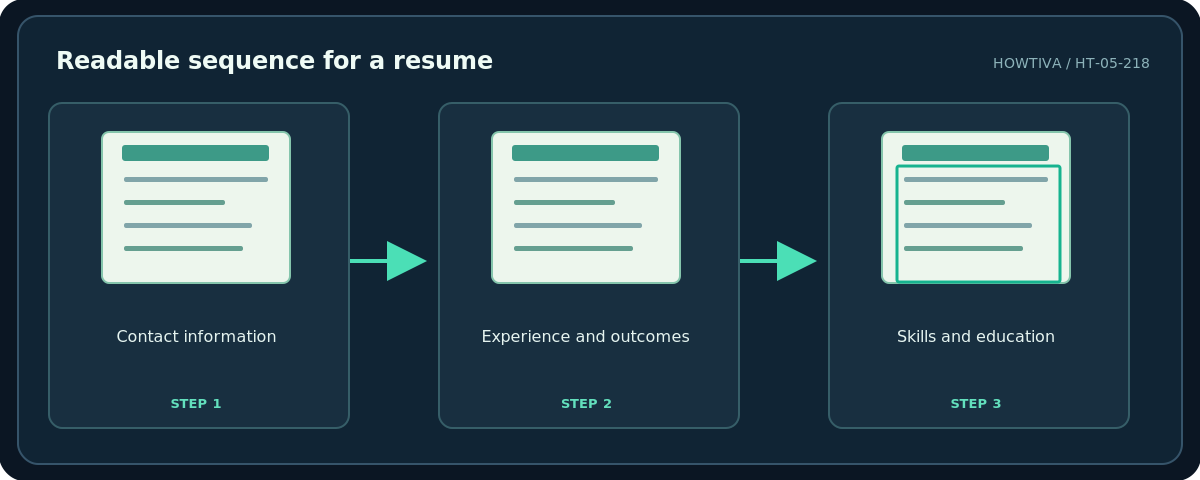
Use one clear text column, a conventional readable font, consistent headings, sufficient white space and brief job-specific bullets.
Quick answer: Use one clear text column, a conventional readable font, consistent headings, sufficient white space and brief job-specific bullets. Put your name and contact details at the top; make roles, organizations and dates recognizable at a glance. Avoid placing essential content only inside images, complex tables or floating text boxes. Export and inspect the actual file the employer will receive.
Good formatting removes work from the reader. It does not guarantee an interview or compatibility with every applicant tracking system (ATS). University career services recommend simple, consistent formatting, and warn that some systems do not read decorative tables, shapes and images reliably. Keep the submission requirements above any one-size-fits-all rule.
Step 1: Pick a simple structure
- Put your name, city/region when relevant, professional email and one reliable contact channel at the top. Verify any portfolio URL in a private browser window.
- Add a short summary only if it helps explain your fit. Avoid a vague objective that takes space without evidence.
- Use predictable headings such as Experience, Education, Skills and Projects. Recruiters should not need to decode creative titles.
- Within each experience entry, align job title and employer clearly, with start/end dates in a consistent style.
- Use reverse chronological order in the relevant sections unless a target employer or curriculum type asks for another structure.
- Retain only information that serves the role. Overloading every job with seven or eight bullets makes meaningful achievements harder to find.
Step 2: Set typography, margins and spacing
Start with a legible, mainstream font. University of Pennsylvania Career Services suggests standard 10–12-point font as a useful range, with conventional margins around 0.65–1 inch. You can vary the main name and headings slightly. Do not shrink body text so far that it works only at high zoom. Use the same bullet glyph, line spacing and date pattern throughout.
Leave a little white space between sections. Avoid two closely packed columns where reading order may change when parsed. Use bold type sparingly for roles and section titles; excessive capitalization, underline and color compete with the content. Inspect both the PDF and any requested Word version at realistic zoom.
Step 3: Write bullets that show relevant evidence
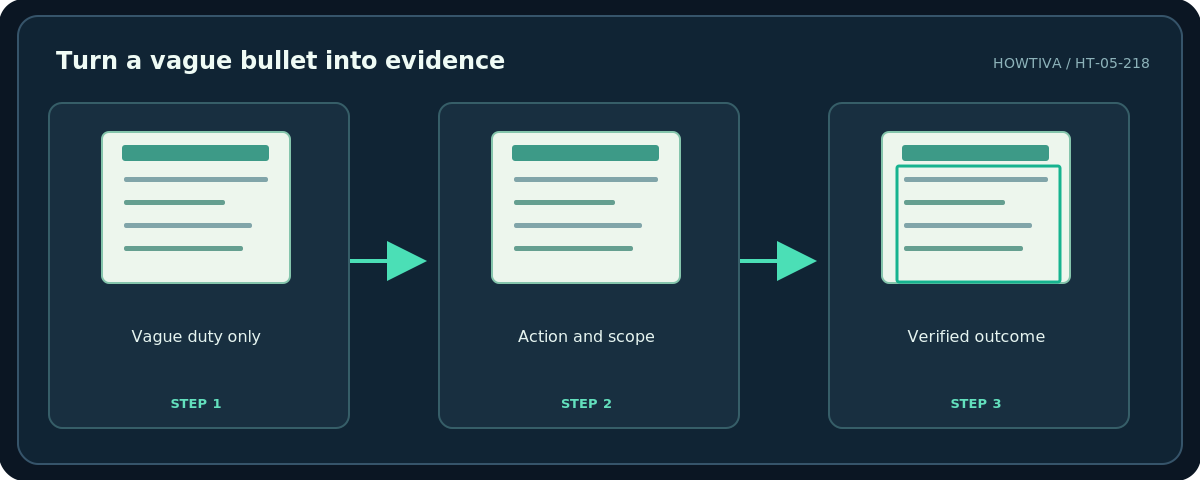
A useful format is verb → work performed → verified result. For example, “Created a weekly inventory check that reduced missing-item reports from 12 to 5 per month” is more specific than “Responsible for inventory.” If you cannot verify a metric, describe scope or contribution without inventing a number.
Prefer plain language. Expand uncommon internal acronyms once so a new reader can follow. Reuse wording from a job description only when it truthfully describes your own experience; keyword stuffing produces a resume that is harder, not easier, to trust. Run a spelling and consistency pass after every tailored revision.
Step 4: Check readability as a file, not just on screen
- Print-preview or export the document and read it at normal size. Are headings and dates clear on each page?
- Confirm that email links and portfolio links open the right destination. If a link contains sensitive tracking or a private access token, remove it.
- Check that copy-pasting text from the PDF preserves a reasonable reading order. This is a practical spot check, not an ATS certification.
- Remove empty pages, old comments and reviewer notes. In a shared editing document, make a clean submission copy rather than granting access to the editable master.
- Name the file professionally (
First_Last_Resume.pdf) and use the employer’s required format even if it is not PDF.
Troubleshooting
It looks crowded. Remove irrelevant bullets and excessive contact text before decreasing font size. Consider a second page if the content genuinely warrants it.
Dates do not align. Use one layout pattern, such as company and role on the first line and dates on the next, rather than positioning with multiple spaces.
An ATS imports the text incorrectly. Provide a straightforward version without graphics or complex tables, and manually check imported fields if an application form displays them.
There is a mysterious blank page. Display formatting marks and inspect page or section breaks before changing margins.
Frequently asked questions
Can I use two columns?
They can look attractive, but a one-column version is a safer default for unknown systems. Keep a visual portfolio resume separately if the role benefits from it.
How long should a resume be?
Length depends on career stage, country and role. Prioritize relevant evidence over forcing every resume onto one page.
Should I use a PDF?
Usually for a readable final copy, unless the employer asks for a different format. Follow the actual instruction.
Sources & Further Reading
- University of Pennsylvania Career Services — Write a Resume/CV — Font sizes, margins, simple format, potential ATS issues.
- Google — Change page settings on Google Docs — Page size and margin settings used in Docs.
Use the checklists as you go, and confirm the result before moving on to a more involved repair.