How to Clear App Cache on Android
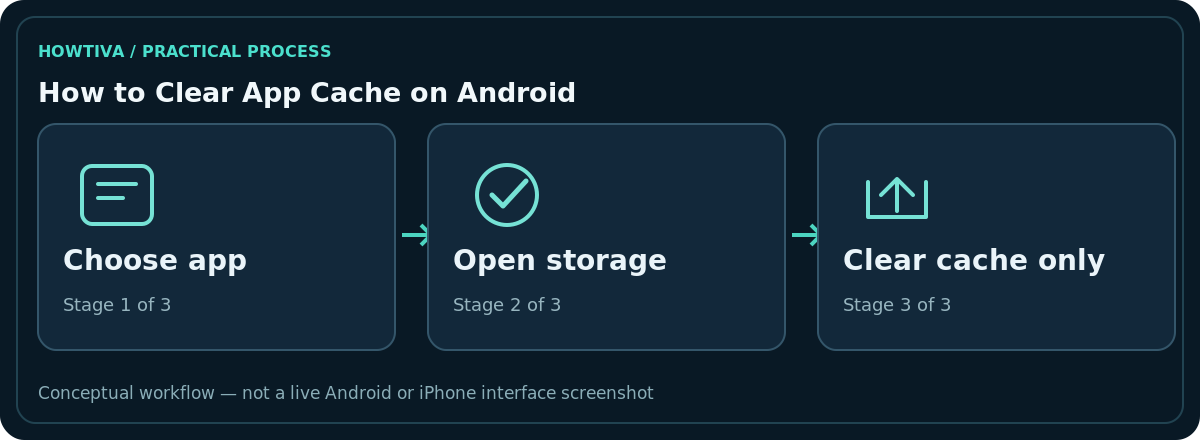
Open Settings > Apps, choose the app causing trouble, open Storage or Storage & cache, and tap Clear cache. On Samsung Galaxy, the typical route is Settings > Apps > [app] > Storage > Clear cache.
Quick answer: Open Settings > Apps, choose the app causing trouble, open Storage or Storage & cache, and tap Clear cache. On Samsung Galaxy, the typical route is Settings > Apps > [app] > Storage > Clear cache. Do not tap Clear data or Clear storage unless you specifically intend to reset the app.
This is a per-app action on most Android phones. Labels vary by manufacturer and Android version, and some system components offer no separate cache button. You do not need a third-party cleaning app.
Clear a single app’s cache step by step
- Close the app you want to troubleshoot. If possible, finish any unsaved work first.
- Open Settings and tap Apps. If necessary, choose See all apps or App management.
- Select the named app. For example, choose your browser, a streaming app or a store app; avoid guessing based only on its icon.
- Tap Storage or Storage & cache. Read the separate figures for data, cache and application size if shown.
- Tap Clear cache once. Then reopen the app and check whether the issue continues.
This operation deletes temporary cached files. It may remove locally saved thumbnails or make the first app launch slower because the files must be downloaded or regenerated. It is not the same as clearing your browser history, removing your account, deleting downloads or uninstalling an app.
Cache versus storage/data: the critical difference
Clear cache targets temporary files and is the safer first troubleshooting action. Clear storage or Clear data can reset the app to its initial state and erase settings, offline media, account information, databases or unsynced local work. Samsung explicitly warns that clearing data resets the app. Some services restore information after you sign in, but that depends on what actually synced beforehand.
If an app stores important voice notes, drafts, game progress, authenticator secrets, local photos or work files, check the provider’s backup or export instructions first. A generic Android ‘backup complete’ message is not proof that this app’s private data is restorable.
If the Clear cache button is missing or greyed out
Verify that you opened the individual app’s storage screen, not the general phone storage dashboard. Search for Storage & cache, Storage usage, or the app name within Settings. Some device policies and system apps hide this action. A disabled button may simply mean there is no removable cache at the moment. Do not replace the missing step with Clear data.
You can try restarting the affected app or the phone, checking for a Play Store update, and consulting the manufacturer’s support page for that exact model. If the issue follows one website in a browser, the browser’s own site-data controls may be more targeted than clearing all of that app’s temporary files.
When clearing cache is useful—and when it is not
It is reasonable when an app loads outdated images, behaves strangely after an update, or reports a cache-related problem. It may free a little device space temporarily. It does not automatically fix damaged accounts, service outages, weak Wi-Fi or a defective device. Repeated clear-cache actions can use more network data as images and other resources are downloaded again.
For a very large app, inspect its in-app storage/download controls first. Podcast players, maps, chat apps and video apps may keep intentional offline content in data, not the removable cache. Deleting a series you downloaded intentionally can save more space than clearing its thumbnails.
Troubleshooting after clearing cache
If the app now loads slowly, allow it to recreate files on a reliable connection. If it still crashes, update the app, restart the phone and check available storage. If many apps fail simultaneously, investigate Android updates and phone storage rather than clearing every app one by one. Before reinstalling an app, verify that its content is backed up, because uninstalling may erase local work.
Decide whether a cache reset is worth it
Before clearing anything, write down the problem: for example, ‘old thumbnail persists’ or ‘app closes after opening a particular feed.’ Clearing cache is more useful as a controlled troubleshooting step when you can compare behaviour before and after. If the issue remains, you have learned that temporary files were probably not the whole cause. If the app reconnects and downloads the same amount of cache again, that can be normal rather than a fault.
If your phone is nearly out of storage, clear cache only for apps you recognise and measure the result. A video service could have both disposable thumbnail cache and intentional downloads. Look inside its offline-download menu before deleting anything described as data, media or storage. The same caution applies to messaging apps with locally saved photos and unsent drafts.
The safer sequence when an app keeps crashing
Check that your network works, inspect a service-status page when the issue affects multiple devices, update the app, restart the phone and then clear that specific app’s cache. If the next recommendation is to clear its data or reinstall it, stop to verify its backup/export mechanism. A screenshot of app settings does not preserve unsynced documents or a two-factor authentication seed. For banking and workplace apps, check the provider’s official instructions before attempting a reset.
Frequently asked questions
Does Clear cache delete photos or messages?
It is designed to remove temporary files, not the user’s main content, but storage models vary. Back up anything irreplaceable and never confuse Clear cache with Clear data.
Can I clear all Android app caches at once?
Many current Android phones expose cache controls per app instead of one universal global button. Follow your manufacturer’s documented interface; avoid cleaner utilities that demand excessive permissions.
Why does the cache return immediately?
Caching speeds up an app and reduces repeat downloads. New files appearing afterward are expected.
Should I clear Google Play services data too?
Not as a routine fix. Google’s support documentation warns that clearing Play services data can affect saved items and require reauthentication. Use product-specific troubleshooting before taking more destructive actions.
Sources & Further Reading
- Free up storage on your Android device — Google Play Help; checked 2026-10-27.
- Clear the app cache and data on your Galaxy phone or tablet — Samsung Support; checked 2026-10-27.
- Fix problems with the Google Play Store app — Google Play Help; checked 2026-10-27.
Use the checklists as you go, and confirm the result before moving on to a more involved repair.