How to Report a Fake Social Media Account
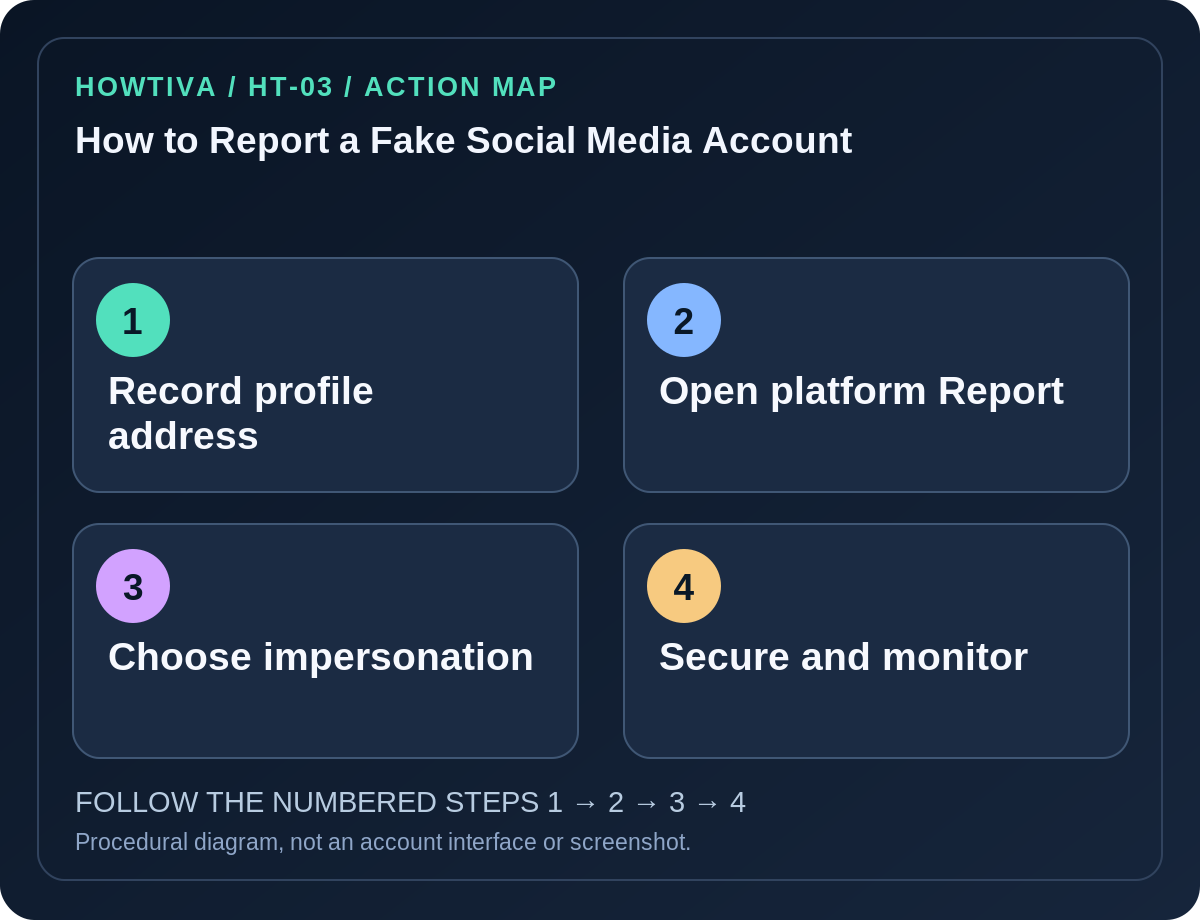
For an impersonation account on Instagram, open the suspect profile, tap its Options (three-dot) menu → Report → Something about this account → They're pretending to be someone else, then choose the appropriate impersonation type.
Quick answer: For an impersonation account on Instagram, open the suspect profile, tap its Options (three-dot) menu → Report → Something about this account → They’re pretending to be someone else, then choose the appropriate impersonation type. On Facebook, open the fake profile, use Options → Report profile, and select the relevant pretending-to-be-someone-else reason. Menu labels may differ by region, app and whether you are signed in.
A fake account can copy a photo, name or biography to trick friends into sending money or opening phishing links. A username that resembles yours is not always proof of impersonation; report accurately and avoid false identity claims. If a profile threatens violence, doxxes someone or targets a child, use the platform’s safety pathways and local emergency services where appropriate.
Gather only the evidence you need
- Open the suspicious profile without clicking its links or signing in to a website it promotes.
- Record the actual profile URL or handle and, if useful, a screenshot of the public impersonation. Avoid capturing private chats, authentication prompts or other people’s sensitive details.
- Note the specific copying: profile picture, display name, false employer, borrowed posts or messages telling contacts that your account has changed.
- If friends already received requests, ask them to report through the platform rather than forwarding login codes, payment details or identity documents to the fake account.
- Use evidence only with the official report form and a legitimate safety or law-enforcement process; do not publish private accusations or organize harassment.
Instagram: report an impersonating profile
- In the Instagram app or on a supported browser, open the account that appears to be impersonating you or another person.
- Tap Options at the top right of the profile and choose Report.
- Follow Instagram’s current report path: Something about this account → They’re pretending to be someone else.
- Select who is being impersonated and give factual information only. Instagram may route impersonation complaints from the person being copied to a specialized process.
- Submit and keep a note of the report date. You can also block the suspect account if appropriate; blocking and reporting serve different functions.
An impersonation report is not the same as reporting someone for an offensive comment or spam. Choose the reason that matches the actual behavior. Don’t try to log in as the fake account or ask a third party to seize it.
Facebook: report the false profile or Page
- Open the suspicious Facebook profile or Page using the platform directly.
- From its Options or three-dot menu, select Report profile or the reporting action offered for that Page.
- Indicate impersonation or pretending to be someone when that applies and follow the on-screen prompts.
- Facebook’s Help Center describes a reporting path even if you do not have a Facebook account; use its official impersonation report form when ordinary in-app reporting is unavailable.
- If the account used your business identity, verify whether the problem concerns a Page, ad or profile, since the reporting category can differ.
Other networks and when reporting fails
TikTok, Snapchat, X and other services have their own report menus. Do not copy Instagram’s exact taps into another app; consult the specific provider’s current help center. If the platform rejects a report, review its explanation and provide additional truthful evidence through its official appeal or report mechanism, if available. Reporting cannot guarantee removal or a response deadline.
If someone stole access to your real account, that is a security compromise rather than only impersonation. Change the password from the official website, inspect sign-in sessions and secure recovery methods. Notify contacts using a known trustworthy channel that the cloned profile is not yours.
Common problems
- The profile vanishes after you report it: It may have been changed, blocked or removed. Keep the original URL for the case record instead of hunting it through unknown links.
- A stranger asks for an ID photo by direct message: Do not comply. Identity verification should take place only through the platform’s official, independently accessed form.
- The fake account is private: Report the profile based on what you can access; do not attempt unauthorized entry.
- The impersonator asks your contacts for money: Advise contacts to stop payments and contact their bank through official channels. Preserve transaction information privately for reporting.
Frequently asked questions
Can friends report an impersonation? Friends may use ordinary platform reporting; some identity complaints require the person impersonated or an authorized representative.
Does reporting automatically disable a fake account? No. The platform evaluates the report under its rules.
Should I post the fake account’s link publicly? Be careful: amplification can send people to the scam. Warn contacts without encouraging clicks.
Sources & Further Reading
- Report an account for impersonation — Instagram Help Center.
- Report a Facebook profile or Page pretending to be you or someone else — Facebook Help Center.
- Report a Facebook profile — Facebook Help Center.
Use the checklists as you go, and confirm the result before moving on to a more involved repair.