How to Undo Send in Gmail
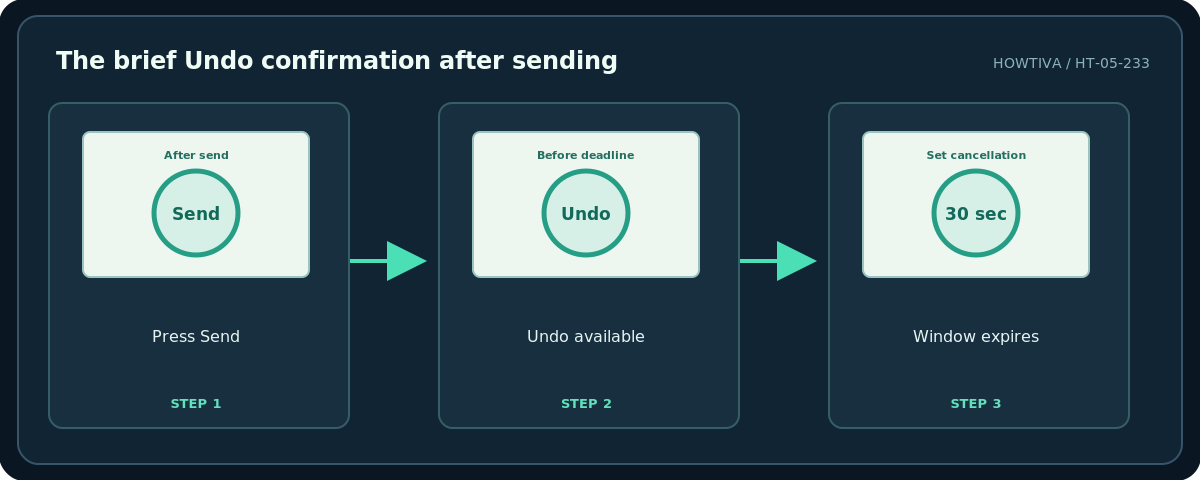
Quick answer: Immediately after you click Send in Gmail, look for the Message sent notice and click Undo . You have only a short cancellation window. To increase that time on a computer, open Settings → See all settings , find Undo Send , choose 30 seconds , and click Save Changes at the bottom.
Quick answer: Immediately after you click Send in Gmail, look for the Message sent notice and click Undo. You have only a short cancellation window. To increase that time on a computer, open Settings → See all settings, find Undo Send, choose 30 seconds, and click Save Changes at the bottom.
Important: Gmail’s Undo Send is a short send-cancellation delay, not a way to reach into a recipient’s inbox and remove a message that has already been delivered. If the window has expired, you must treat the email as sent.
Step 1: Cancel an email immediately
- After selecting Send, keep your eyes on Gmail’s lower-left confirmation area. Do not navigate away expecting a permanent recall button.
- When Message sent appears, select Undo before the cancellation period ends.
- Gmail returns the message to the compose window or draft. Check that the recipients, attachments and content are still available, then correct the mistake.
- Only press Send again when you have reviewed everything. If you are unsure whether the first send was canceled, inspect Sent and Drafts before sending a duplicate.
Step 2: Set the maximum cancellation period
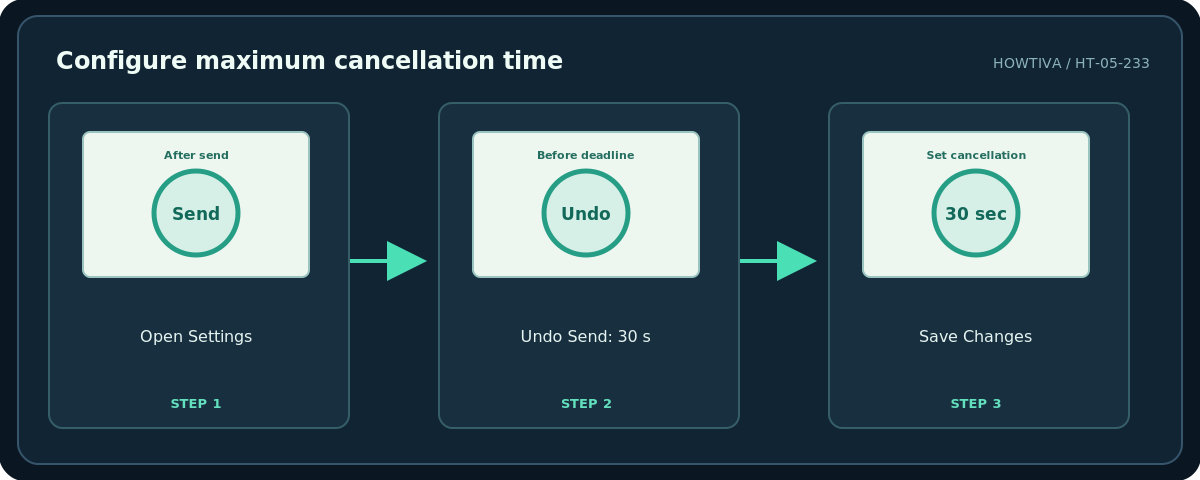
- On a computer, open Gmail and click the top-right Settings gear.
- Select See all settings to open the full settings page.
- Under the General tab, locate Undo Send. Choose one of the supported cancellation periods: 5, 10, 20, or 30 seconds.
- Choose 30 seconds if you want the longest available review opportunity.
- Scroll down and click Save Changes. Revisit the setting to verify it was saved.
- Use a harmless message to your own test address if you want to become familiar with where Undo appears. Do not use sensitive content or real client information in a test.
What happens on a phone?
The Gmail mobile app also provides an Undo option immediately after you send, but the message and button may appear in a different screen location, and the cancellation window can be easy to miss. The desktop full-settings screen is the most reliable place to view or adjust the documented cancellation period. Do not assume another mail app’s Undo button behaves like Gmail’s, even if the same account is connected.
If the time window has expired
Check Sent to confirm what went out. If the message contains a typo, a polite follow-up correction may be enough. If it went to the wrong recipient, do not send further private details; contact the unintended recipient or follow your organization’s security incident process, depending on sensitivity. Gmail’s Undo setting cannot retract a delivered email, control copied attachments or override another person’s inbox.
For messages that should go out later rather than immediately, Schedule send is a different feature. Cancel a scheduled message while it remains in Scheduled and Gmail returns it to Drafts. Once the scheduled message has actually sent, normal Undo limitations apply.
Troubleshooting
Undo disappears too quickly: Change the cancellation period in desktop settings and save. Undo never appeared: Check whether you sent through the Gmail website/app, rather than another email client, and whether you were still on the send confirmation screen. You clicked Undo but are unsure it worked: Search Drafts and Sent, and avoid a second send until you confirm. Your recipient already replied: The message was delivered and cannot be recalled using Undo. You need a mandatory approval delay: Use a separate review workflow, not Gmail’s 30-second window.
Frequently asked questions
Can I recall an email from yesterday?
No. Gmail’s regular Undo Send is limited to seconds immediately after sending.
Is 30 seconds guaranteed to stop a message after it is delivered?
No. The setting is a cancellation delay, not remote deletion.
Is Undo Send the same as deleting from Sent?
No. Deleting a message from your Sent folder does not remove a delivered copy from someone else’s account.
Sources & Further Reading
- Gmail Help — Send or unsend Gmail messages — Undo Send location and 5/10/20/30-second configuration.
- Gmail Help — Schedule emails to send — Canceling scheduled mail differs from Undo Send.
Use the checklists as you go, and confirm the result before moving on to a more involved repair.