How to Recognize a Fake Package Delivery Text
Treat an unexpected text saying your package is delayed, your address is incomplete or a small redelivery fee is due as unverified —especially if it demands an immediate tap on a shortened link.
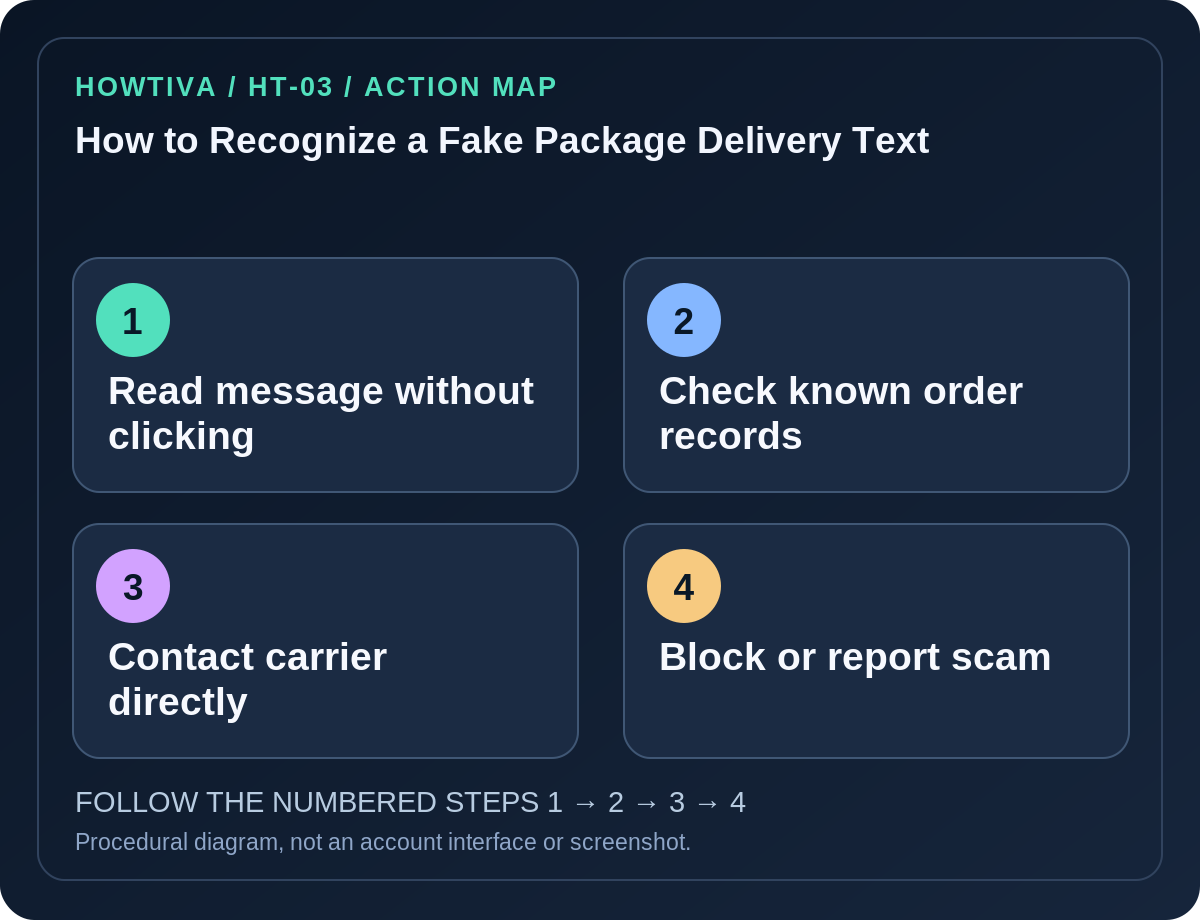
Quick answer: Treat an unexpected text saying your package is delayed, your address is incomplete or a small redelivery fee is due as unverified—especially if it demands an immediate tap on a shortened link. Do not open the link or enter payment information. Open the merchant’s order history or the shipping company’s official app or independently typed website to check whether a genuine parcel exists. The U.S. FTC recommends verifying delivery messages through known channels, not through the incoming text.
Delivery scams work because many people have parcels on the way. A message can be fraudulent even if it uses a real carrier’s name, a plausible tracking number, local-language formatting or a phone number that looks familiar. Sender names and SMS threads are not reliable proof of identity.
Recognize the warning signs before responding
- Unexpected urgency: “Your shipment will be returned today” or “Pay immediately” tries to prevent checking. A legitimate order can usually be verified through your original purchase receipt.
- Suspicious destination: An unusual URL, misspelled carrier domain or redirected address is a warning. Do not test whether the link works just to find out.
- Payment or credentials: Fake customs, redelivery or address-verification screens may request a card number, password or one-time banking code. Never supply this through an unsolicited message.
- Generic message: “Your package” without an identifiable order can be mass spam, although targeted scams may include believable personal details.
- Attachments and QR codes: An SMS that insists you install a courier app outside an official store or scan a new QR code deserves the same suspicion as a malicious link.
Confirm the parcel without using the message
- Check whether you actually purchased or shipped anything recently. Look in your own order confirmation or merchant account, not at a checkout page from the suspicious SMS.
- Open your carrier’s official website by typing the address you already know or using its installed official app. Find the tracking number in your merchant order record, if available.
- Compare the delivery status and any payment requirement with what the authenticated service shows. If it does not match, treat the SMS as suspicious and do not respond.
- If the carrier is unclear, ask the merchant through its independently established support channel which carrier was assigned.
- Delete or report the suspicious text using your messaging application’s Report spam function, when available. Many mobile carriers support forwarding suspicious SMS to 7726 (SPAM), but availability differs by country and operator.
- If you’ve already given financial or account information, skip ordinary deletion as the first response and prioritize bank, account and device containment.
Delivery situations that often fool people
A genuine parcel is due today: Attackers exploit coincidence. Real delivery timing does not authenticate a message. Open the carrier’s own app.
The text seems to come from the same sender as older updates: Sender IDs can be spoofed or reused; message-thread appearance does not prove legitimacy.
You are expecting customs charges: Check payment processes through the authentic carrier and customs agency. Never assume that a familiar fee amount validates a payment page.
The link looks almost correct: Attackers can add hyphens, subdomains or alternate country-code endings. The full registrable domain and the context both matter; avoid clicking while investigating.
If you tapped or paid
- You opened the page but entered nothing: Close it, avoid downloading anything and review browser downloads. A tap alone does not prove your phone is infected.
- You entered a password or one-time code: Change the affected account’s password from its official app or website, review recent sign-ins and recovery methods, and contact the provider promptly. Do not give anyone additional codes.
- You entered a card number: Call your bank through a trusted number, ask about blocking or replacing the card and review transactions.
- You installed an app or profile: Remove suspicious software using the device’s official settings, run appropriate security checks and seek professional assistance if a work device or sensitive account is involved.
Frequently asked questions
Is every delivery-fee text a scam? No. Some services send real updates; the method is to verify independently before paying.
Can I text STOP to make it stop? Avoid replying to suspected malicious SMS; use the phone or carrier reporting tools.
Is a branded tracking page proof? Not alone. Fraudulent sites can reproduce courier branding and tracking layouts.
Sources & Further Reading
- Fake shipping notification emails and text messages — US Federal Trade Commission.
- How to recognize and report spam text messages — US Federal Trade Commission.
Use the checklists as you go, and confirm the result before moving on to a more involved repair.