How to Remove Personal Information from a Public Profile
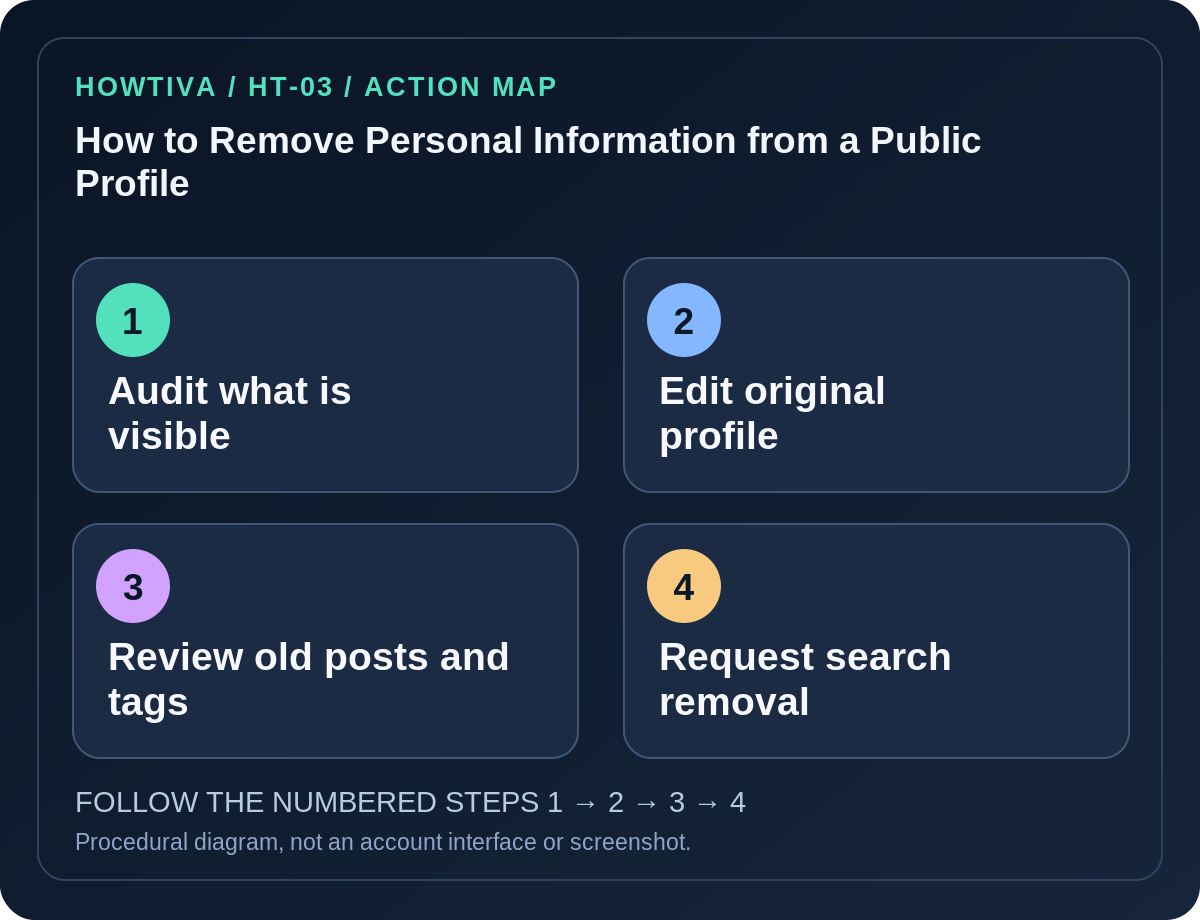
Open the original profile on the service where your information is visible, edit or hide the fields you control, review old posts and tags, and check what remains visible to someone who is not signed in.
Quick answer: Open the original profile on the service where your information is visible, edit or hide the fields you control, review old posts and tags, and check what remains visible to someone who is not signed in. If a third-party page or search result still exposes sensitive contact information, request removal from the site owner first and, when eligible, use Google’s Results about you tool to request removal from Google Search. Removing a search result does not erase the source webpage.
Prioritize home addresses, personal phone numbers, email addresses, date-of-birth combinations, identification numbers, workplace schedules and photographs revealing routine locations. You may not control every copy that someone else has already captured or reposted. Avoid sharing additional personal data with an unknown “privacy cleanup agency” that promises guaranteed erasure.
Inventory the information without spreading it
- Sign in to the profile you own through the service’s official app or website.
- Look at your About, biography, contact, public posts, photo captions, tagged content and any linked portfolio or storefront. A profile can leak personal data even with a private account if its biography is public.
- View the profile using the platform’s View As option when offered, or from a separate logged-out browser session. Do not create fake accounts or bypass restrictions to inspect other users.
- Make a brief private list of pages you control and sensitive items that need attention. Store it securely and do not post it publicly as a removal request.
- If the profile belongs to a school or organization, check ownership and retention policy before editing or deleting information you do not personally control.
Edit or hide the information at the source
- Open your profile’s Edit profile, About or similar section and remove unnecessary phone numbers, address details and email links from public-facing fields.
- Examine each platform’s audience settings. On Facebook, the Audience and visibility category covers profile details, posts, how people find and contact you, tagging and other areas. Some fields remain public by design; read each setting’s explanatory text.
- Review older posts, stories, images, captions and location tags. Deleting a current bio does not alter an old tagged photo or re-shared post.
- Where a field must remain in your account for sign-in or recovery, change its visibility rather than deleting your only usable security method.
- Ask a friend or page administrator to remove content they published, without pretending that you own their account.
- Check from a logged-out session after changes. Search caches or other viewers may take time to update.
Request removal from Google Search when eligible
Google’s Results about you tool can find and request removal of certain personal information, including home addresses, phone numbers and email addresses. In supported regions, open the tool from the Google app profile menu or the official Search Help link, complete its setup and review flagged URLs. Select Request to remove for eligible search results. The interface and availability vary by age and region; not every page qualifies.
Google can deny requests for results considered in the public interest, such as some news, government or educational websites. A search removal reduces discoverability through Google; it does not delete the content from the host site, other search engines or existing screenshots. For deletion at source, contact the website operator using independently verified contact information or use the site’s privacy or legal request process.
Other cases and realistic limits
- You no longer control the profile: Use the platform’s official account recovery options, then edit it. If it is a fake copy, use its impersonation reporting process rather than account recovery for the impersonator.
- The information is on a people-search site: Find its privacy or opt-out mechanism, check how it uses submitted information and keep proof of the request. Data brokers differ by country and regulation.
- A search snippet remains after editing the source: Request a refresh through the search provider’s official tools where eligible; allow time for re-crawling.
- A photo contains your address: Check visible background details, metadata exposure and comments. Replace or remove the content if you control it.
- Private settings do not hide everything: A name, profile photo or some interaction history may remain discoverable by platform design.
If you face harassment or credible threats
Use the platform’s reporting pathway, preserve relevant evidence privately and contact local authorities or trusted support when necessary. Do not negotiate with extortionists or give them ID images as proof of identity. If you need legal erasure rights, consult the privacy regulator or qualified adviser relevant to your jurisdiction.
Frequently asked questions
Does deleting a profile instantly remove Google results? Not necessarily. Search engines need to revisit pages and may offer separate removal request mechanisms.
Will removing my phone number from my bio affect account recovery? It should not necessarily remove a number stored privately for account security, but verify each platform’s difference between public contact fields and sign-in methods.
Can a privacy setting remove old screenshots? No. Control over previously copied content is limited.
Sources & Further Reading
- Find and remove personal info in Google Search results — Google Search Help.
- View and adjust your Facebook privacy settings — Facebook Help Center.
- Data scraping and protect information on Facebook — Facebook Help Center.
Use the checklists as you go, and confirm the result before moving on to a more involved repair.