How to Change Your Apple Account Password
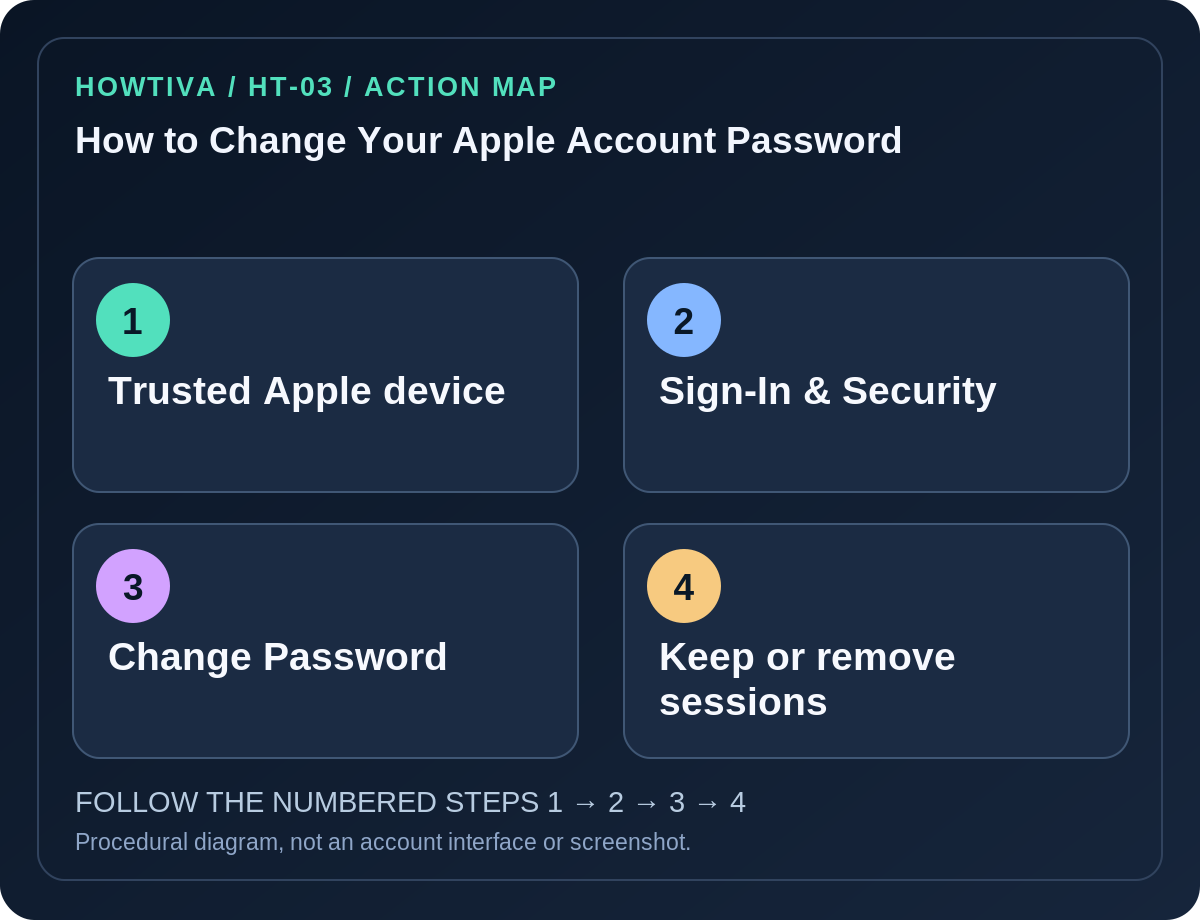
On a trusted iPhone or iPad, open Settings → [your name] → Sign-In & Security → Change Password, then follow the on-screen identity checks and enter the new password.
Quick answer: On a trusted iPhone or iPad, open Settings → [your name] → Sign-In & Security → Change Password, then follow the on-screen identity checks and enter the new password. Apple Account is the current name for what used to be Apple ID. The easiest method is a device already signed in with two-factor authentication.
Changing the account password is different from changing the device passcode or the password used to unlock a Mac. You may need the trusted device’s passcode to authorize an Apple Account password change.
Change it on iPhone or iPad
- Confirm the device is yours and already signed in to the correct Apple Account. If your device is borrowed, use only Apple’s supported recovery flow and sign out afterward.
- Open Settings, tap your name, and select Sign-In & Security.
- Tap Change Password. Follow Apple’s prompts; the device may ask for its unlock passcode or another security check.
- Enter a fresh, unique Apple Account password in the secure Apple interface. Store it in a password manager if appropriate.
- If Apple offers a choice to Remove Other Devices or Keep All Devices Signed In, decide based on your security situation. If you believe a device is compromised, removing other sessions is generally safer; plan to sign in again on your own devices.
- Confirm your trusted phone numbers, devices and recovery choices remain current once the process is complete.
Change the password on a Mac or through the web
Mac: Choose the Apple menu → System Settings → [your name] → Sign-In & Security → Change Password. Apple says you may be asked for the password that unlocks your Mac before proceeding.
Web: Open account.apple.com yourself and sign in. Under Sign-In and Security, choose Password if offered. Apple may instead direct you to a trusted Apple device; this is intentional. If you cannot use a trusted device, the web route may be available depending on your situation, but it is not guaranteed.
Apple Watch/other Apple devices: Apple’s support page also discusses changing the password from certain trusted Apple devices. Use the current device instructions rather than copying paths from a different operating system.
If a security delay appears
Apple’s Stolen Device Protection can require a security delay (for example, one hour) when changing certain account credentials outside familiar locations. This is a protective mechanism, not evidence that the account has been hacked. Follow the legitimate device prompts; avoid restarting the process randomly or trusting someone who offers to cancel a security delay.
A managed Apple Account or a child account may have a different permitted route. Parents or guardians can use Family settings for eligible child accounts as described in Apple’s current documentation.
If you forgot the password
Use Apple’s official iforgot.apple.com account recovery procedure, or try the password-change flow on another trusted device. Recovery contacts and an optional recovery key change which paths are available. If a recovery key is set, do not assume standard Apple account recovery can bypass it. Existing trusted devices may help, so do not erase or sign them out prematurely.
If you no longer have any device you trust, expect extra verification or a recovery waiting period rather than instant access. Apple’s support cannot simply reveal your existing password.
Troubleshooting and safeguards
- Your name does not appear in Settings: You may not be signed in to an Apple Account on that device. Check which identity is active, and do not change a family member’s account by mistake.
- ‘Change Password’ is disabled or delayed: Check network status, management restrictions and security delay messages. Use Apple’s support page for the exact restriction, not an online shortcut.
- An old Mac or iPhone keeps requesting credentials: Update the saved Apple Account password on that device only after you have confirmed a successful new sign-in.
- You suspect theft or account compromise: Review trusted devices and phone numbers, remove unfamiliar devices in account settings, and secure the lost iPhone through Find My if applicable.
- You use a password manager: Change the Apple Account entry once and synchronize your vault carefully. Never send passwords or one-time codes to a helper.
Frequently asked questions
Will I lose iCloud photos when I change the password? A password change does not itself delete stored iCloud data, but you may need to authenticate again before certain services synchronize.
Is Apple Account different from Apple ID? Apple renamed Apple ID to Apple Account; the same credentials identify your account.
Can I change someone else’s password from my iPhone? Only through supported authorization, such as an eligible child-account Family Sharing process; do not attempt account takeover.
Sources & Further Reading
- Change your Apple Account password — Apple.
- How to find your lost iPhone or iPad — Apple.
Use the checklists as you go, and confirm the result before moving on to a more involved repair.