How to Identify and Avoid QR Code Scams
Before following a QR code, check whether the sticker or sign appears altered, preview the destination URL in your phone's camera or scanner, and verify that the address belongs to the organization you intended to visit.
Quick answer: Before following a QR code, check whether the sticker or sign appears altered, preview the destination URL in your phone’s camera or scanner, and verify that the address belongs to the organization you intended to visit. If it requests an urgent parking payment, account sign-in or card details at an unfamiliar domain, cancel. Instead, type the official address yourself or use a trusted app. The FTC warns that scammers have covered legitimate parking QR codes with their own stickers to route payments to fraudulent sites.
A QR code is only a machine-readable way to encode information. It does not certify that its destination is trustworthy. Many are legitimate: restaurant menus, tickets and device setup instructions use them. The risk arises from the destination, the person distributing it and the action you are asked to take.
Inspect the code before you scan
- Look closely at parking meters, event posters, shipping notices or restaurant signage. A code stuck over another code, lifted sticker edge or changed logo should trigger independent verification.
- Decide whether you actually expected this QR code. An unsolicited email or text can embed an image that sends you to the same kind of phishing site as a conventional link.
- Open your phone’s built-in Camera or a trusted scanner. Avoid installing a third-party scanner from an advertisement just to decode an ordinary QR code.
- Pause on the URL preview rather than opening it immediately. Check misspellings, look-alike characters and domains unrelated to the merchant or public service.
- If the shortened link hides its final destination or the preview is unclear, do not assume it is safe. Find the venue’s actual site through a known channel and navigate from there.
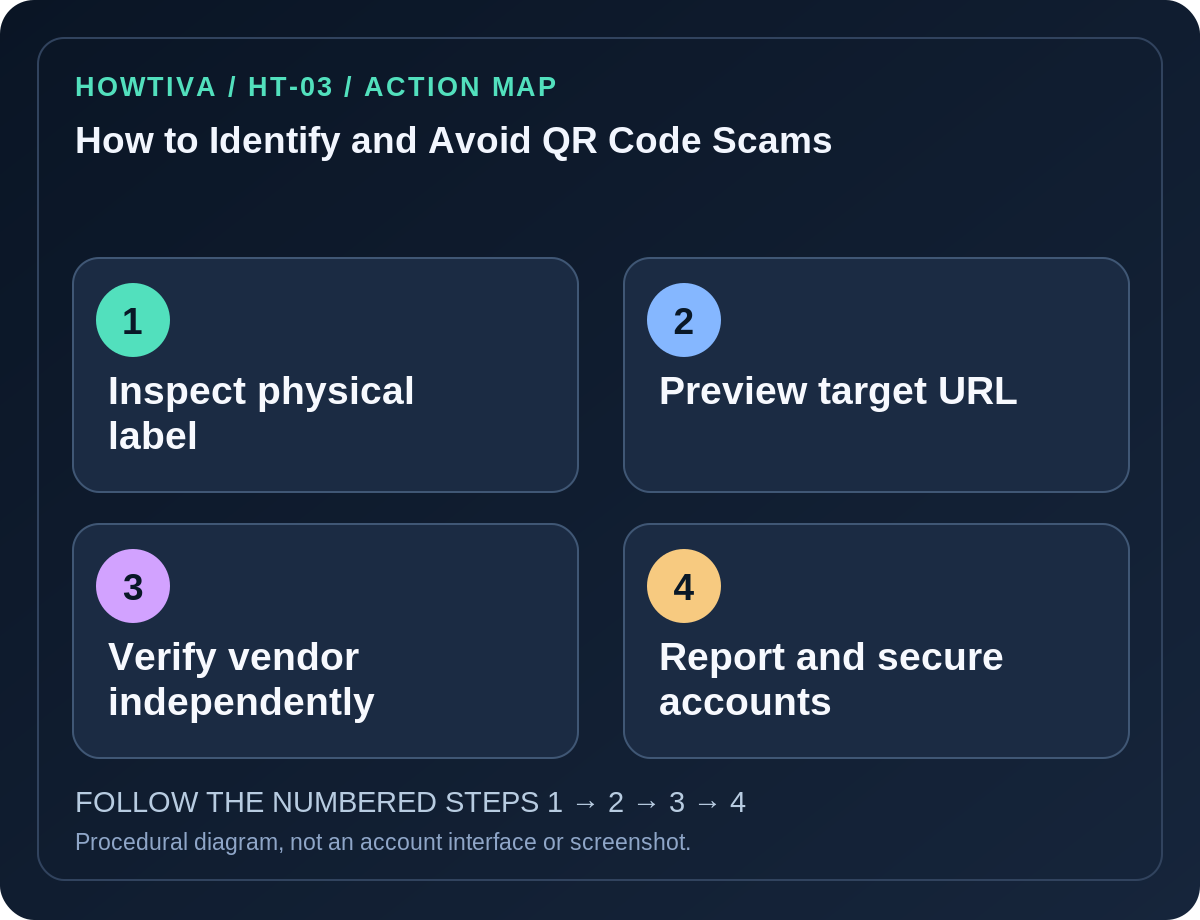
Safer procedure for a parking meter or public payment
- Read the posted payment operator and the instructions printed on the physical meter or official notice.
- If a QR code looks tampered with, do not peel or replace it yourself. Use the meter’s card interface or the verified operator’s official application where available.
- Independently look up the parking operator, or ask authorized attendants. Scammers may use valid-looking HTTPS certificates; the padlock does not identify the real merchant.
- Enter payment information only after you are confident the service and requested transaction match the physical location. Check amount and recipient before approving.
- Report a tampered code to the legitimate facility owner; in the United States, suspected fraud can be reported at ReportFraud.ftc.gov.
Account login QR codes and two-factor codes
An account login screen may show a QR code to pair an authenticator app or confirm a device. Only scan it while deliberately setting up the corresponding account on the official service you opened. A scammer can present a fake “security verification” QR code leading to credential theft, or in some flows trick you into linking a device or approving a sign-in. Never send photos of authenticator setup QR codes to someone else: they may contain sensitive secrets.
A transfer QR code is different from a website QR code. Authenticator export QR codes may embed account secrets rather than an ordinary internet URL. Treat them like passwords and use only official, trusted app-to-app transfer procedures. Do not upload them to a QR-decode website.
If you already scanned a suspicious QR code
- You scanned but did not open or submit anything: Cancel the link. Scanning by itself does not establish that malware was installed.
- You supplied a password: Change it through the real service, review session activity, reset reused passwords and secure available second factors.
- You paid a fake parking site: Contact your bank, dispute where appropriate and monitor account activity. Keep transaction details for official reports, not social media posts.
- You installed a configuration profile or unexpected app: Review device-management profiles and installed software through official operating-system settings. Seek help if a managed device is involved.
- A code appeared pasted over an official sign: Notify the organization directly instead of warning people by circulating the harmful QR image.
Frequently asked questions
Does an HTTPS URL make a QR code safe? No. Fraudulent sites also use HTTPS.
Can a QR code collect data merely when scanned? It can encode a URL or other instructions; what happens depends on the scanner and the action you approve. Avoid assuming either total safety or automatic compromise.
Should I use a public online QR-code decoder for private login codes? No. Authentication transfer codes may reveal secrets to the website.
Sources & Further Reading
- See a QR code parked somewhere? Don’t scan it…yet! — US Federal Trade Commission.
- Fake shipping notification emails and text messages — US Federal Trade Commission.
Use the checklists as you go, and confirm the result before moving on to a more involved repair.